What’s included with ChatterPilot?
Free includes up to 5 connected accounts, with up to 2 per platform. Your inbox, everyday chat tools, and Google Translate are included. Paid plans add monthly Lux usage, custom prompts, and more connected accounts. Explore the workspace.
Can I use voice typing offline?
Yes. Speak to write a draft, then review it before sending. Voice typing runs on your computer, works offline, and uses no translation credits. Translating and sending messages still need an internet connection.
Do my messages sync automatically?
Yes. While ChatterPilot is running and your accounts are connected, new messages and replies from your linked chat apps appear automatically. Your saved messages and translations stay together, so you can catch up when you return.
Can I customize my notifications?
Yes. For each chat app, group notifications together, show every message, use an app badge only, or turn them off. You can also hide sender names, message text, and the chat app’s name and icon.
Which languages work?
Unlimited language pairs. ChatterPilot is not restricted to English and Spanish: the app includes 133 named languages in its pickers, and its editable translation preferences can tune additional languages supported by your selected translation engine.
What makes Lux different?
Lux interprets tone, slang, regional dialect, shorthand, and typo intent. Lux can also use recent messages to understand short replies. With a paid plan, your custom prompt can guide its wording and regional style.
Which AI model does Lux use?
Lux currently uses GPT-5.6 Luna. We update the model behind Lux over time.
Can I schedule a message?
Yes. Write a message, choose a time, and review it before scheduling. Keep ChatterPilot running with the account connected for messages sent from your computer. Telegram can send supported scheduled messages even while your devices are off. Ordinary replies still wait for you to press Send.
Can I read my history offline?
Yes. Messages and translations already saved on a device remain there for you to read. New messages and translations need an internet connection. A second device keeps its own saved chat history.
Where do my conversations live?
Your saved chat history and messaging sessions stay on your device. Account, billing, and enabled cross-device settings use our service. Translation sends the relevant text to Lux, Google, or your chosen provider; local storage does not mean translation stays offline.
Why did we create ChatterPilot?
We created ChatterPilot because we want you to be able to communicate with your loved ones, family, or business partners in different languages without wasting time going back and forth between translator and chat apps. We want you to spend more time connecting and less time worrying about whether your translation says what you mean.
What is our vision?
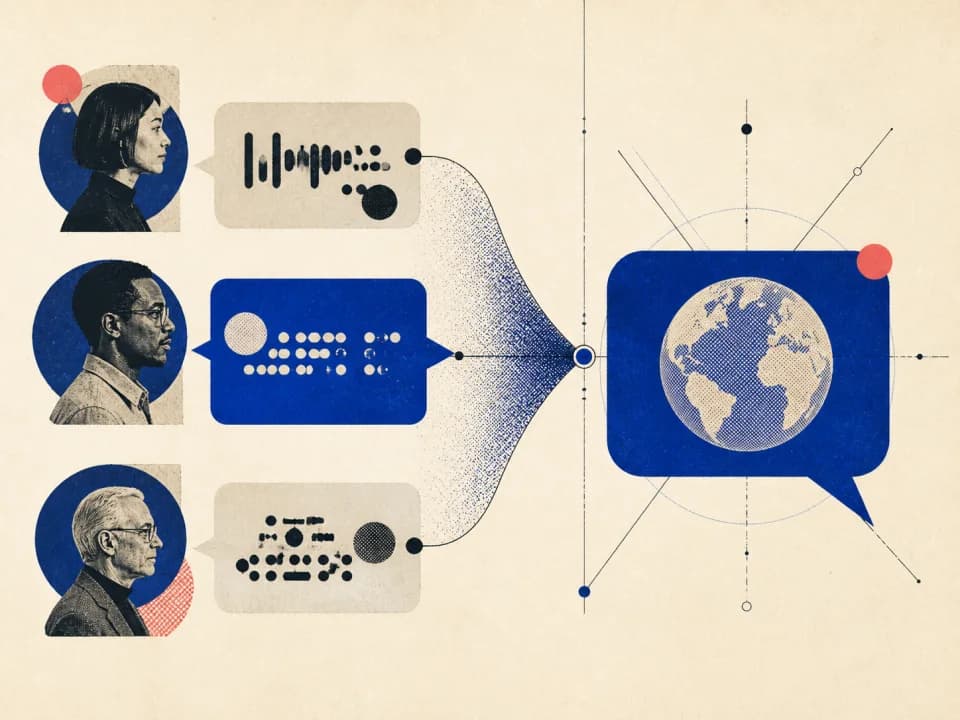
Our vision is to connect our world together a little more through our app. By keeping ChatterPilot simple and affordable, with a Free plan and optional AI translation, we hope more people can communicate with each other, no matter what language they speak.